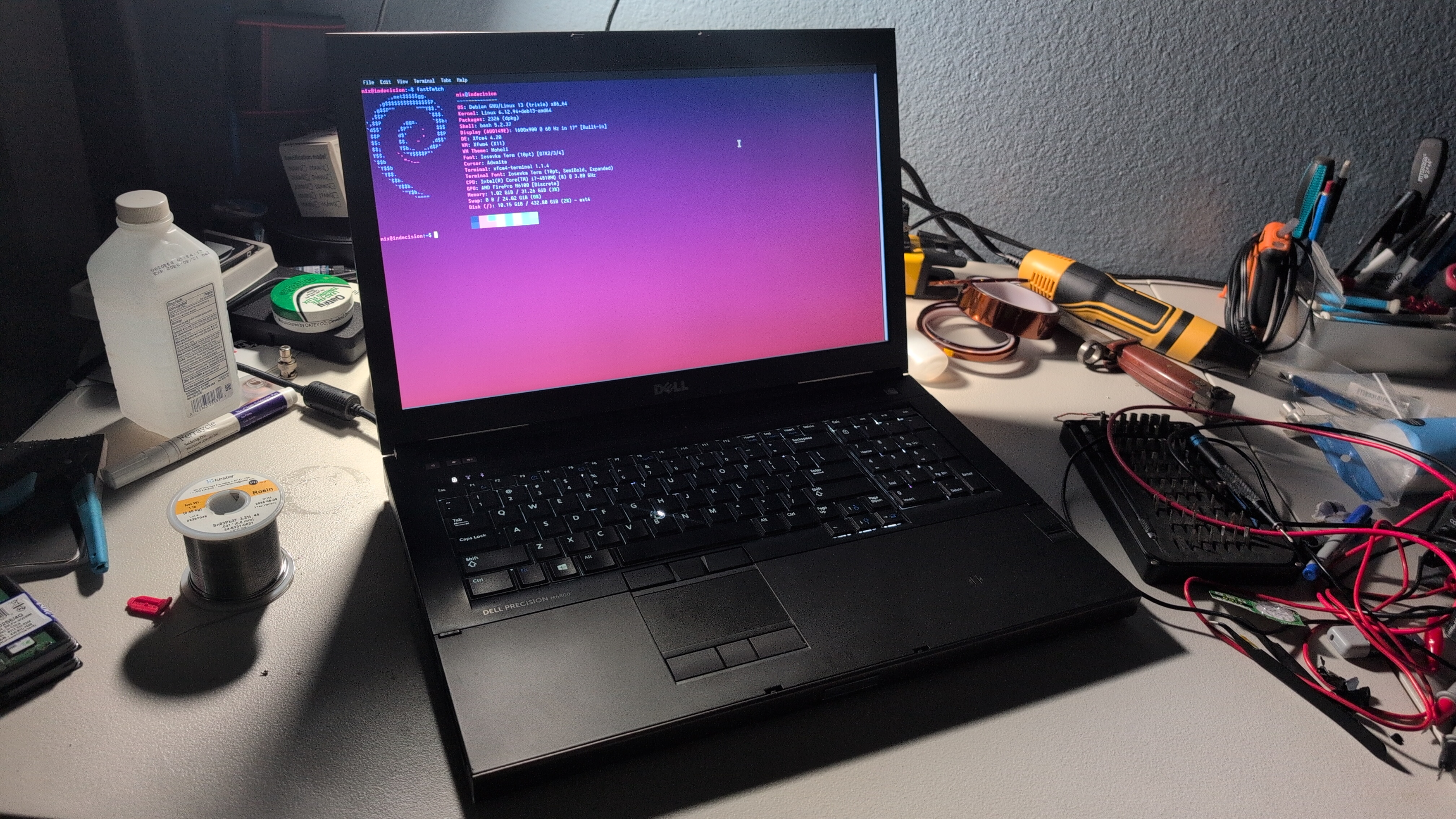
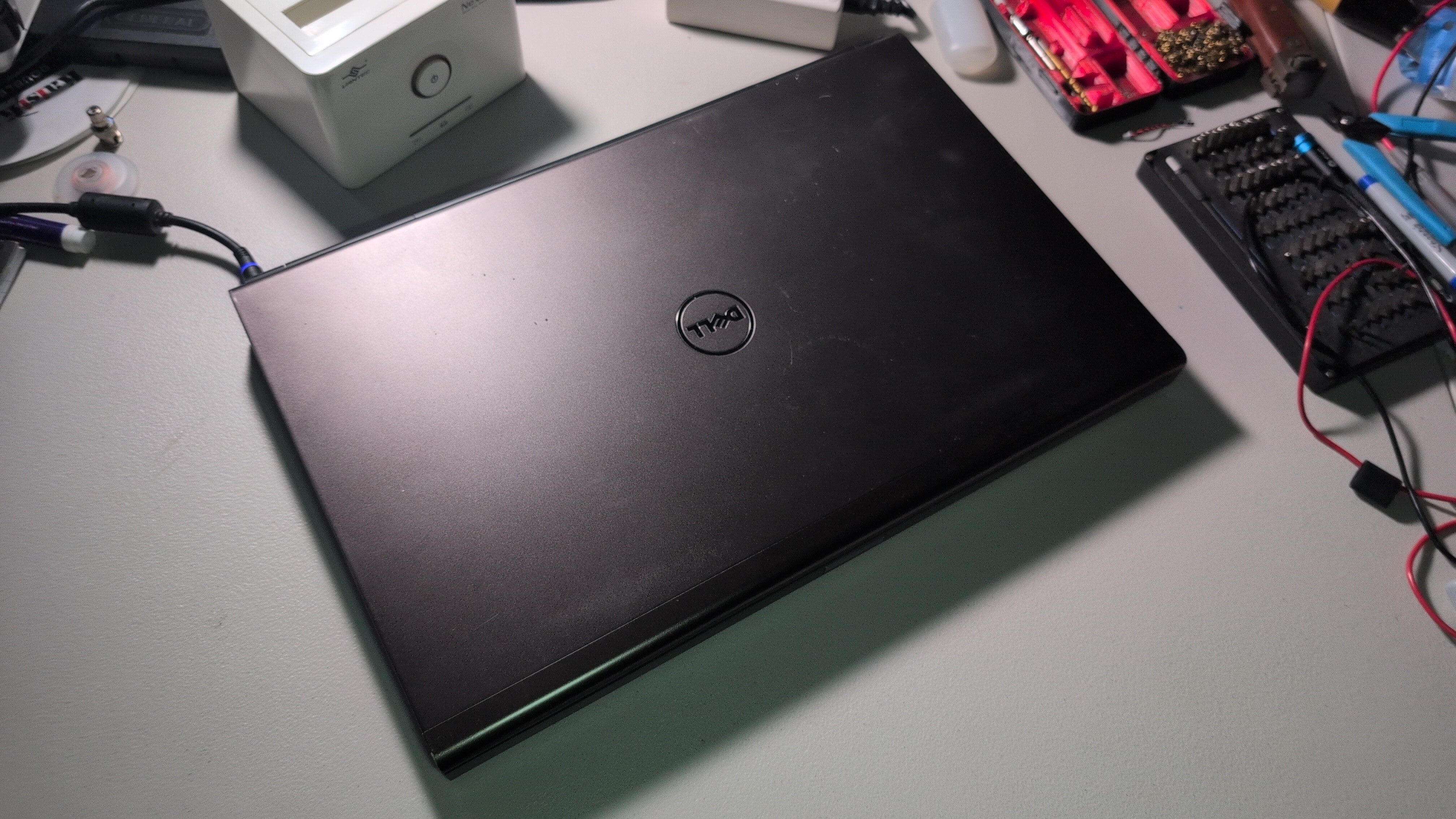
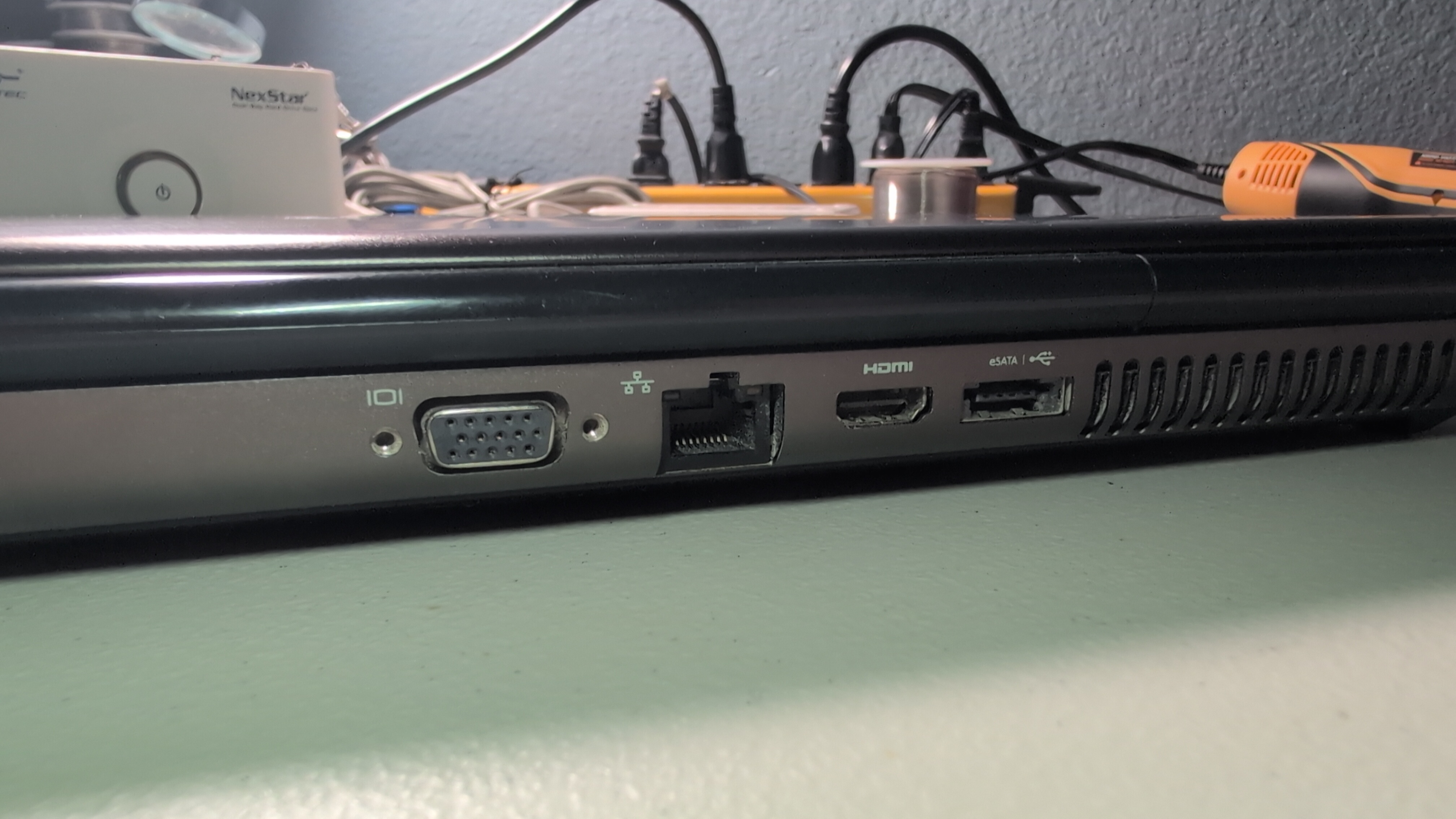
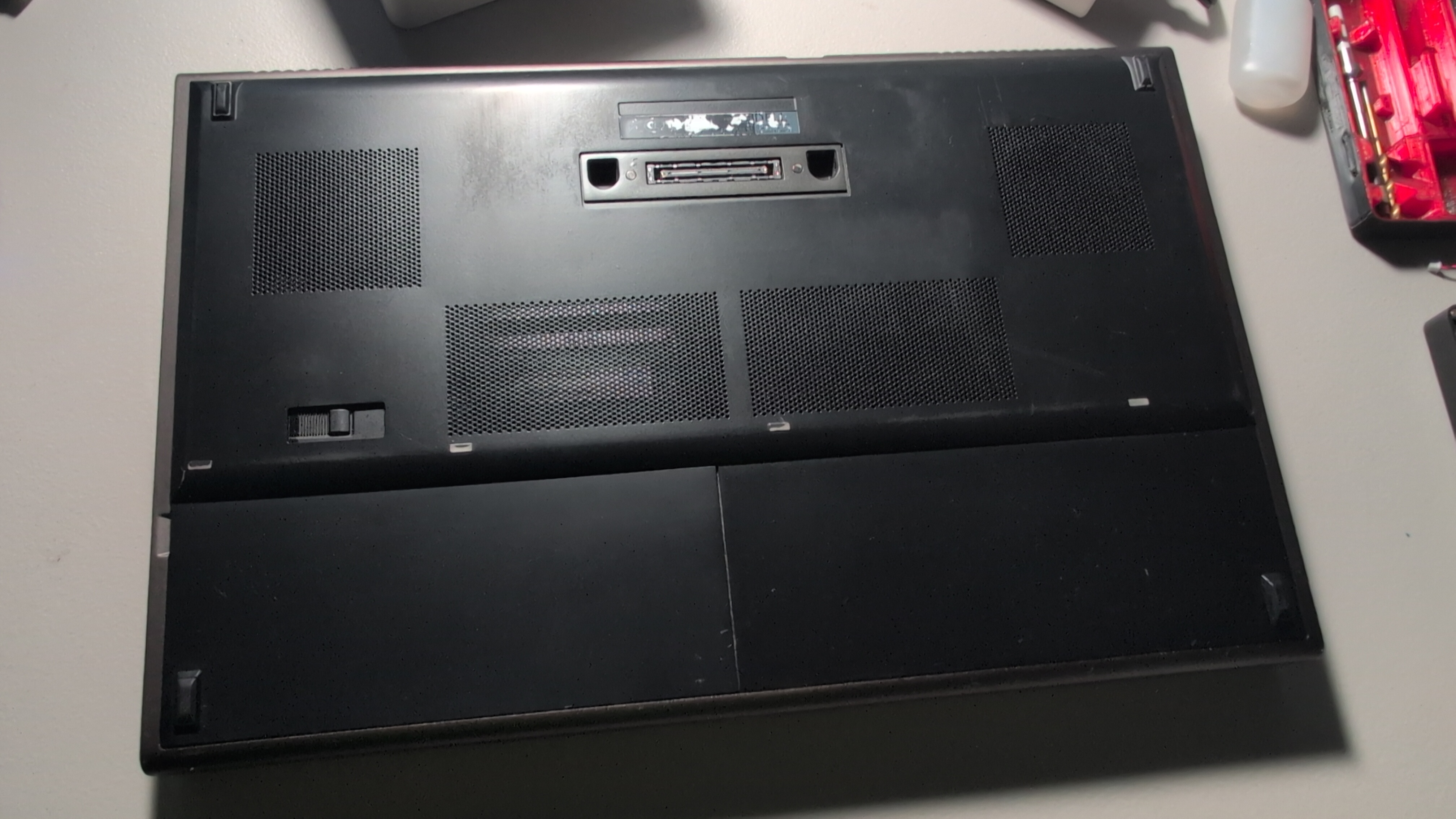
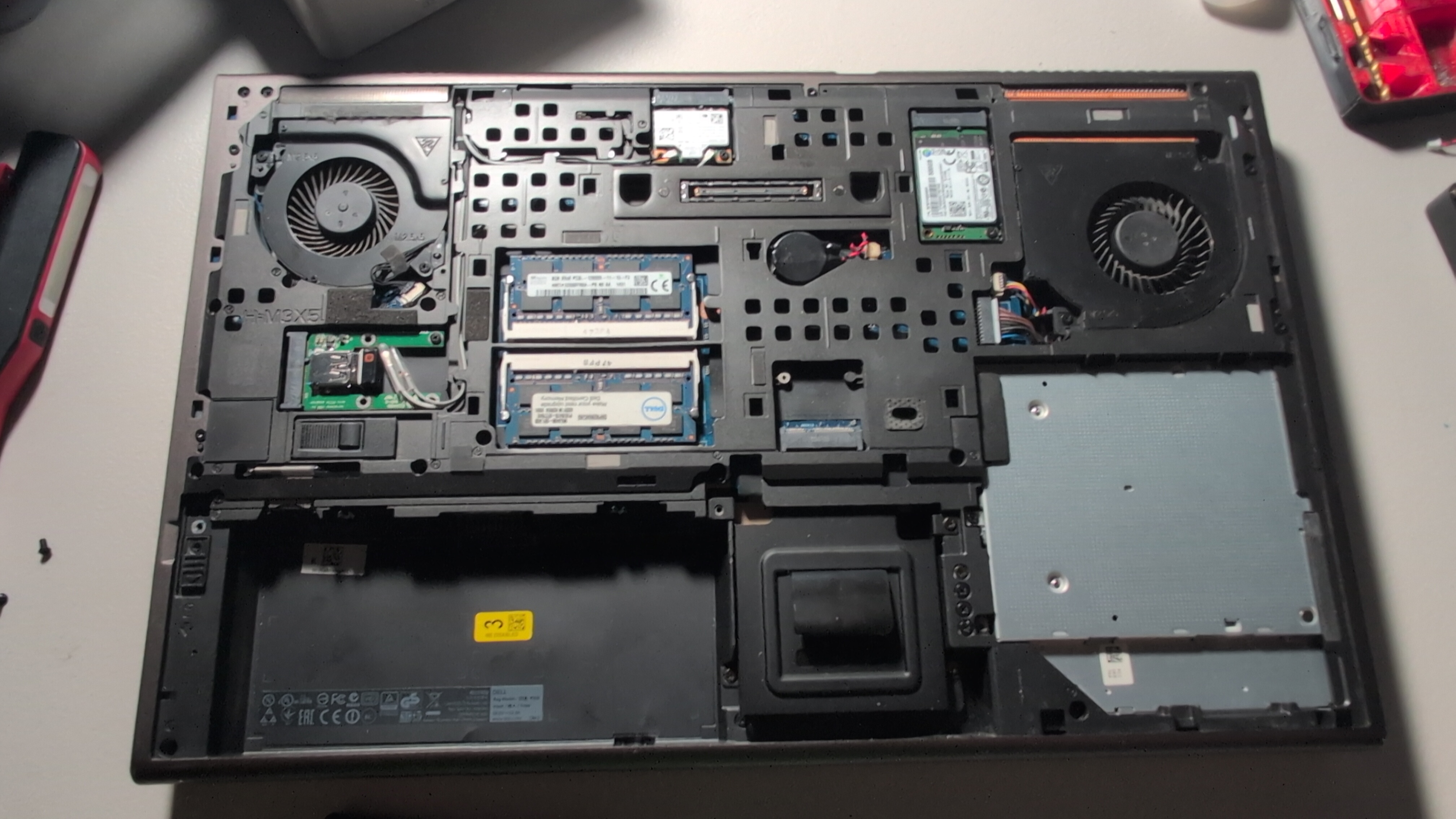
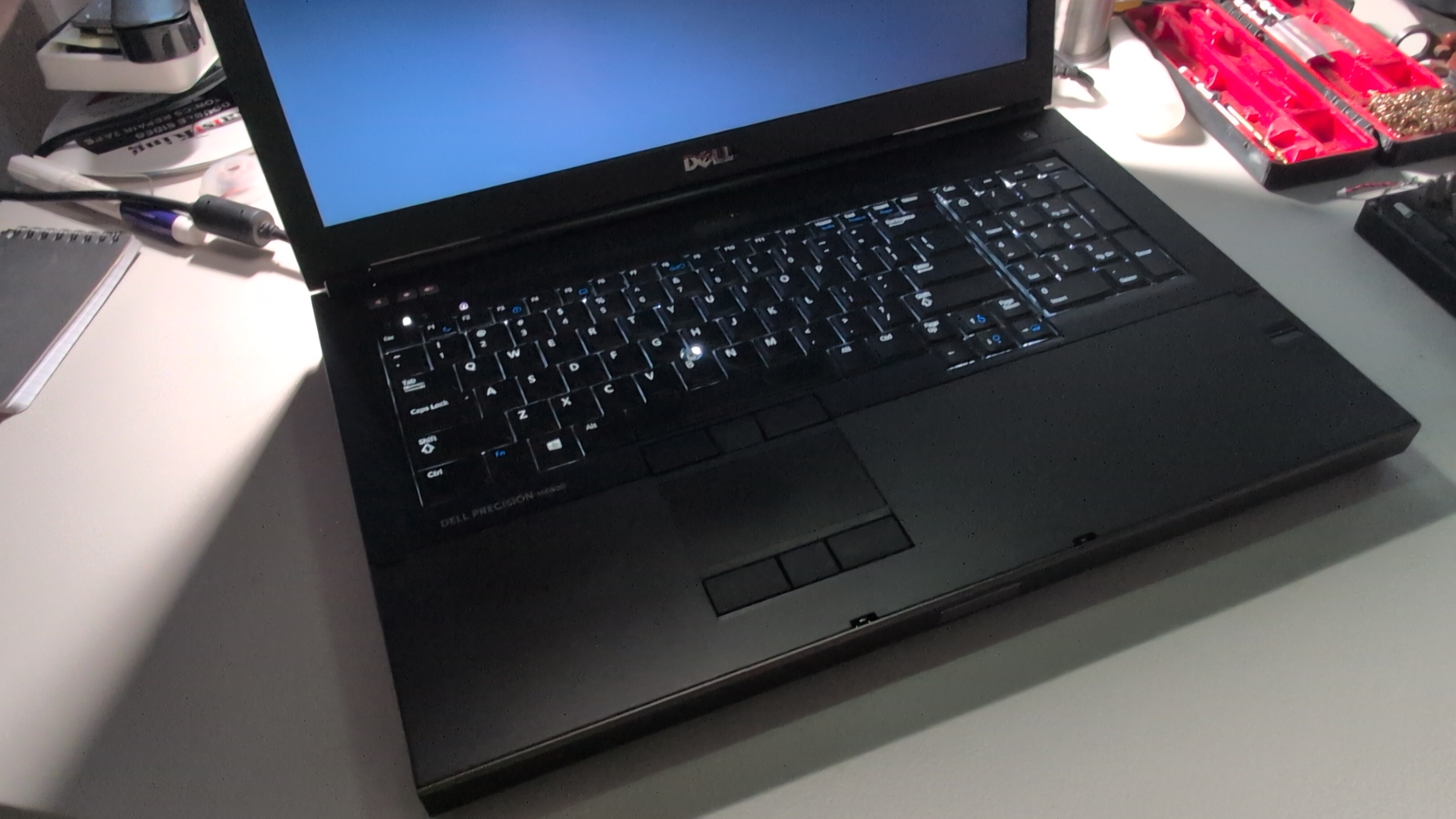
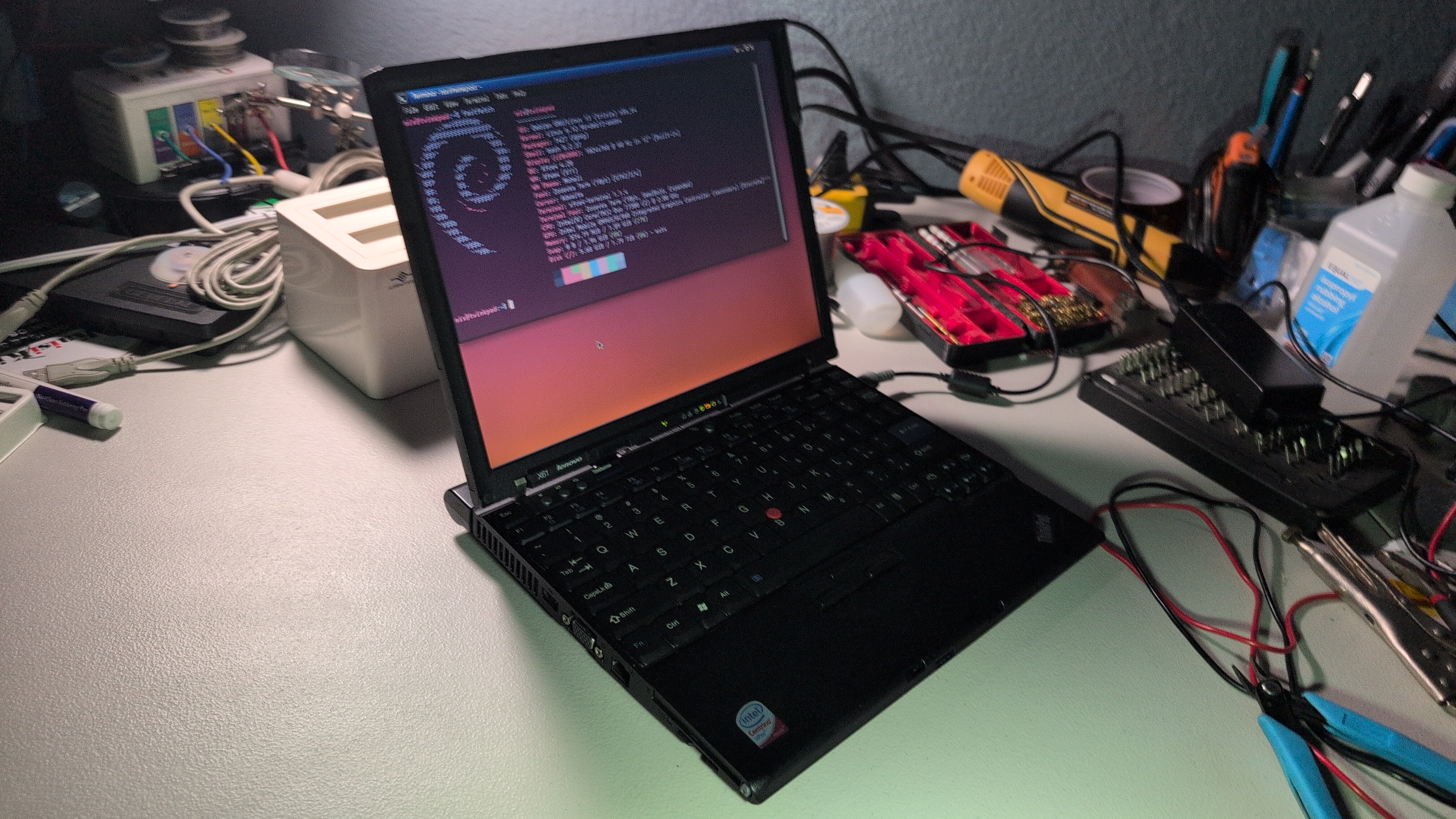
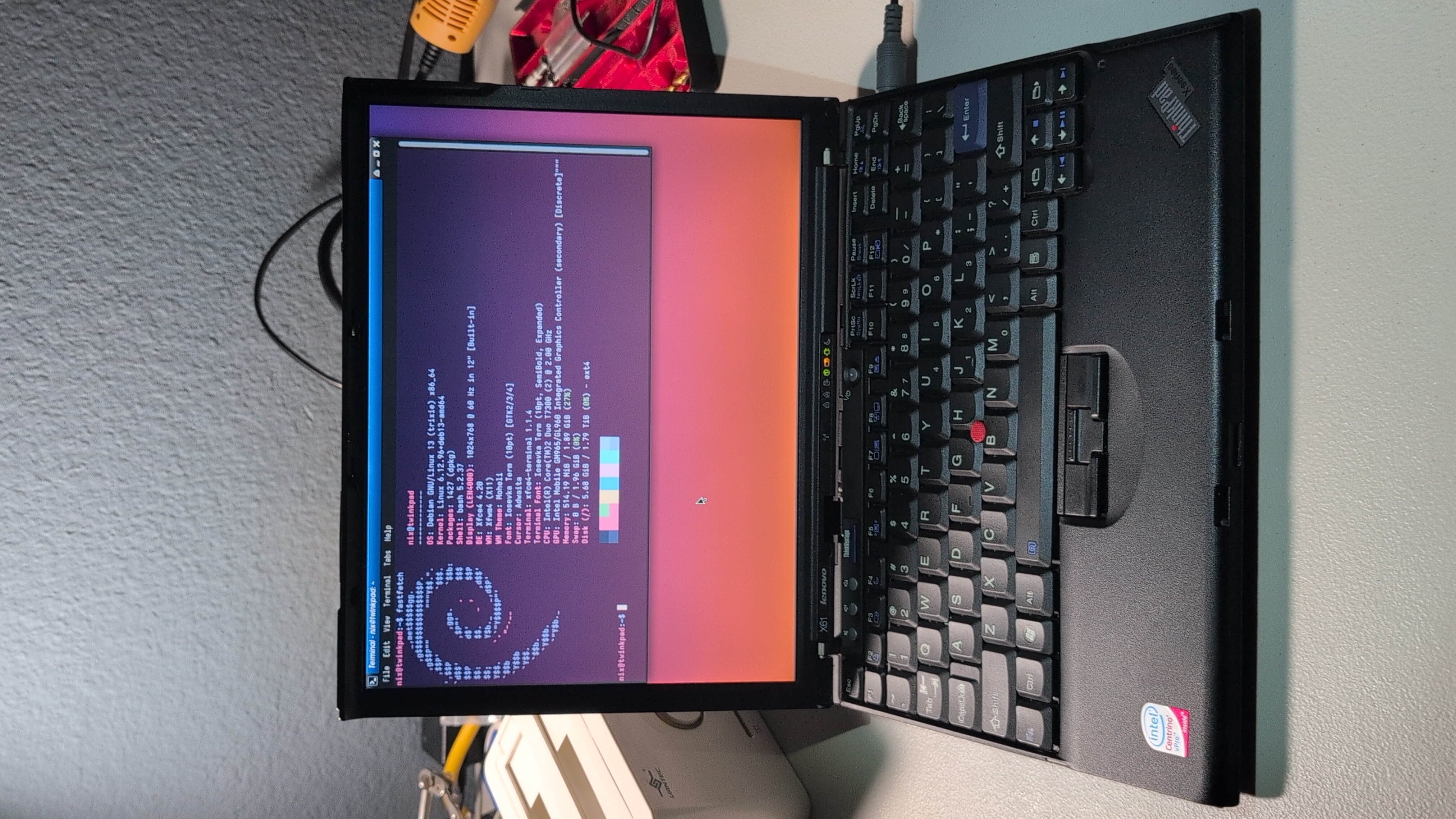
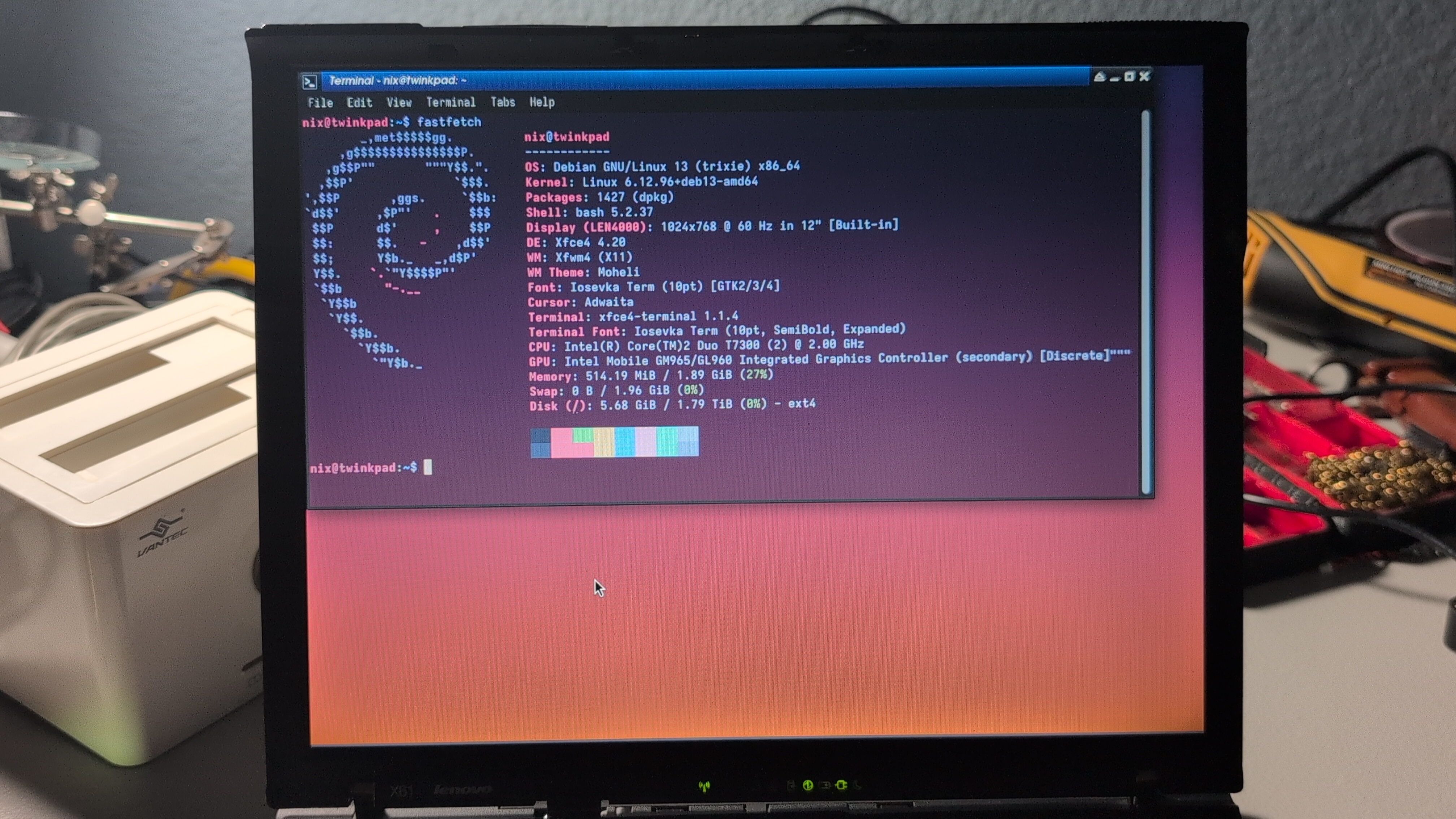
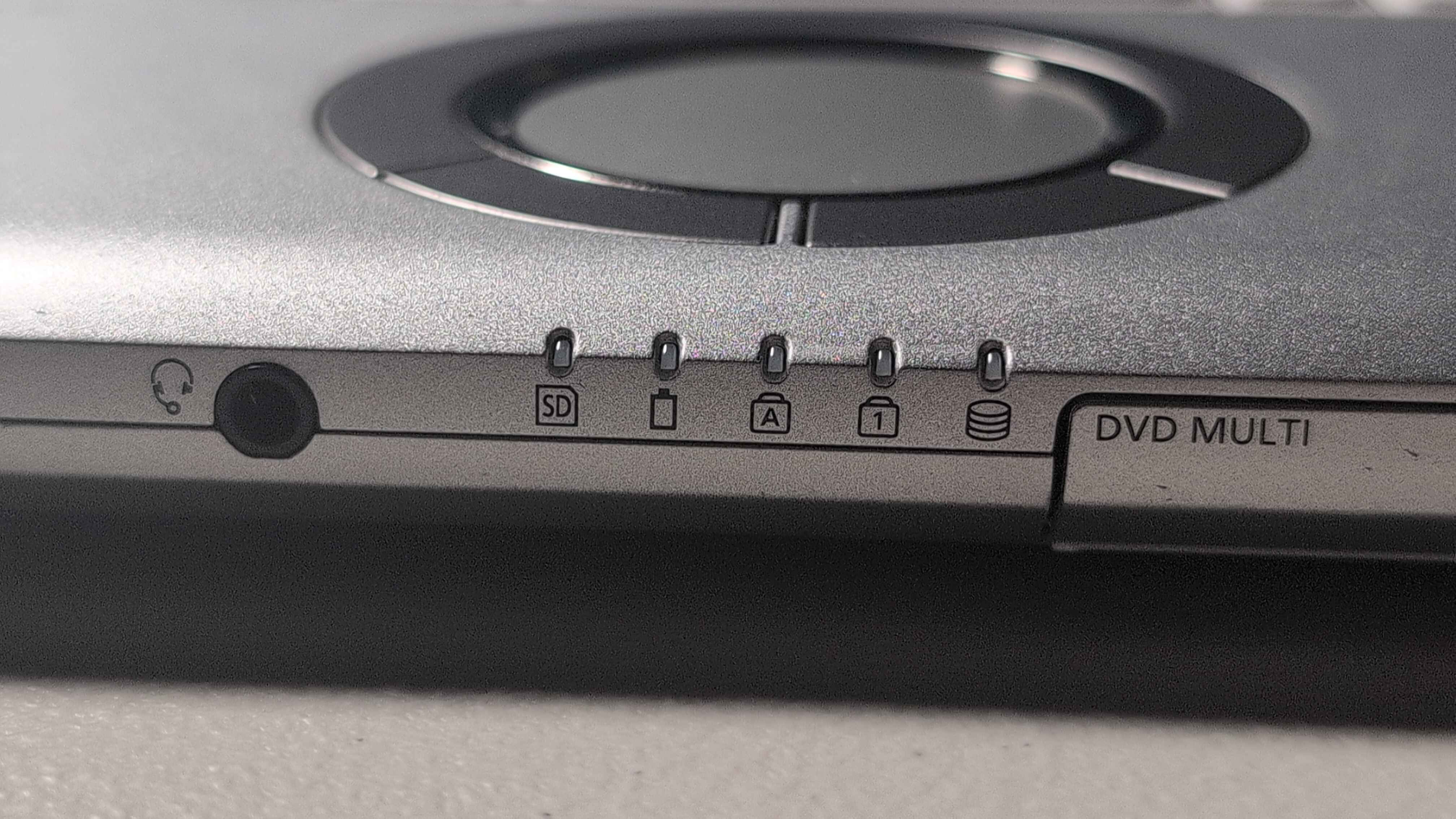
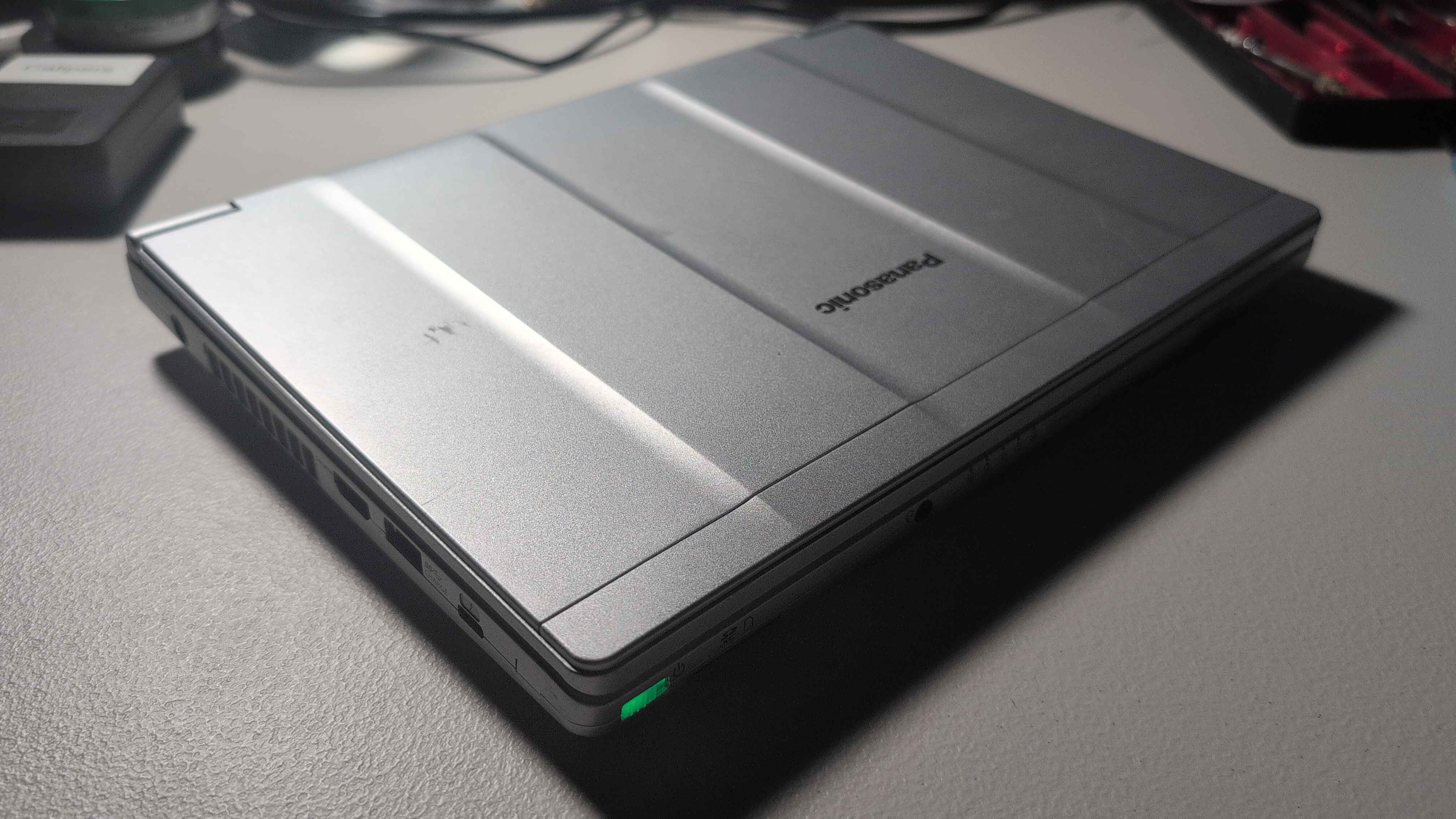
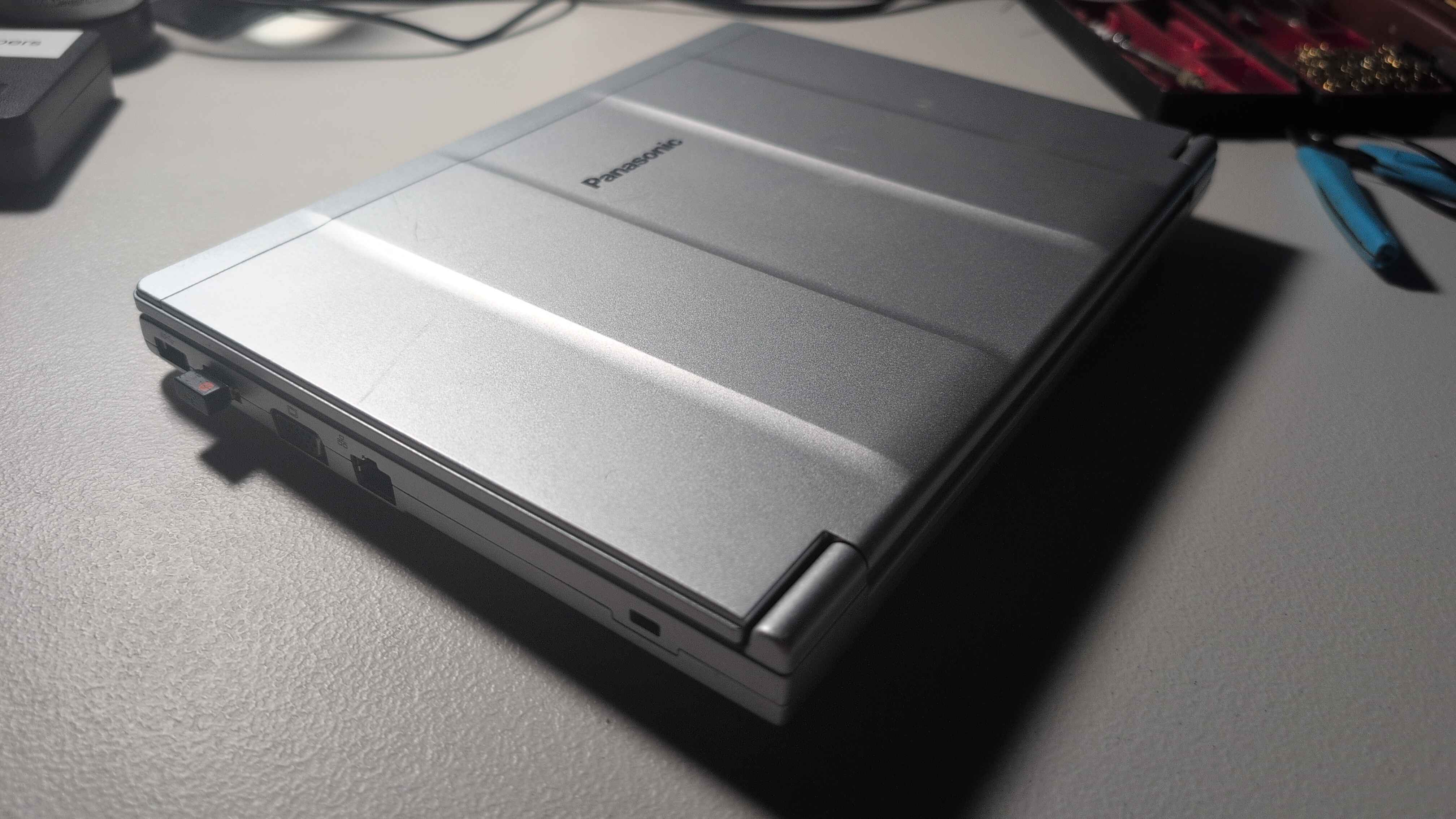
its just like a compulsion at this point lmfao. i cant seem to help but collect these things, but i mean can you blame me? look at this thing! (whenever i get around to uploading photos). its sick! its huge! its got a nipple and a dedicated gpu!!
i may be an idiot, i mean i have enough laptops for a militia at this point, but have you considered... idk i cant even really justify it... so! ill just drop the specs here
- Model: Dell Precision M6800
- CPU: Intel Core i7-4810HQ (8 Cores 2.80 GHz)
- GPU: AMD FirePro M6100 (MXM)
- RAM: 32 GB 4x8 LPDDR3 SO-DIMM (mixed Dell branded & SK Hynix)
- Storage: Samsung 840 Evo mSATA MZ-MTE-500
so i mean specs wise its nothging crazy, the dedicated GPU is a nice addition, i at least makes minecraft run pretty well (completely forgor to look at what fps but just looking at the specs that should be expected :3). though as expected for a workstation replacement style laptop, battery life under load is pretty poor, while playing minecraft the battery estimate went from ~2 hours to 45 minutes. with the laptop just sitting idle and doing some minor web browsing i got about 3 hours of life before it died. this is (of course) in Debian 13 because im just like that.
originally the plan was to use this to test if i could do my work stuff entirely on linux, but as it turns out i recently aquired a decently recent 500GB m.2 SSD, i got a little enclosure for it and ive cloned the install over to that drive, ill just make the work puter boot from that for a while. actually, i think the only thing that presently woulfnt be possible on linux is our remote access tool, but thats because we have not compiled a linux version yet and shouldnt be too hard to do
that aside, Passmark scores for this CPU are super weird, very skewed because of some very low results. despite being above the average, my specific cpu is a bit behind the rest of the pack. i was told it was repasted within the last couple years and it doesnt seem to be throttling super easily, so im pretty tempted to believe that.

i have no idea why passmark thinks the CPU is at 7 MHz but
well with me now having a better solution for workplace linux, im really not too sure what to do with this thing. i mean the I/O is absolutely awesome i could do pretty much anything i wanted with this. the only real hurdle is the absolute MASS of this thing, well that and its battery life isnt great. i suspect it might make a great (cant say little) portable emulation machine. I have run PCSX2 on weaker hardware with... respectable, results and having a dedicated GPU would probably kick it up to being genuinely enjoyable to play on. ill have to try it and maybe ill update on how well it goes.
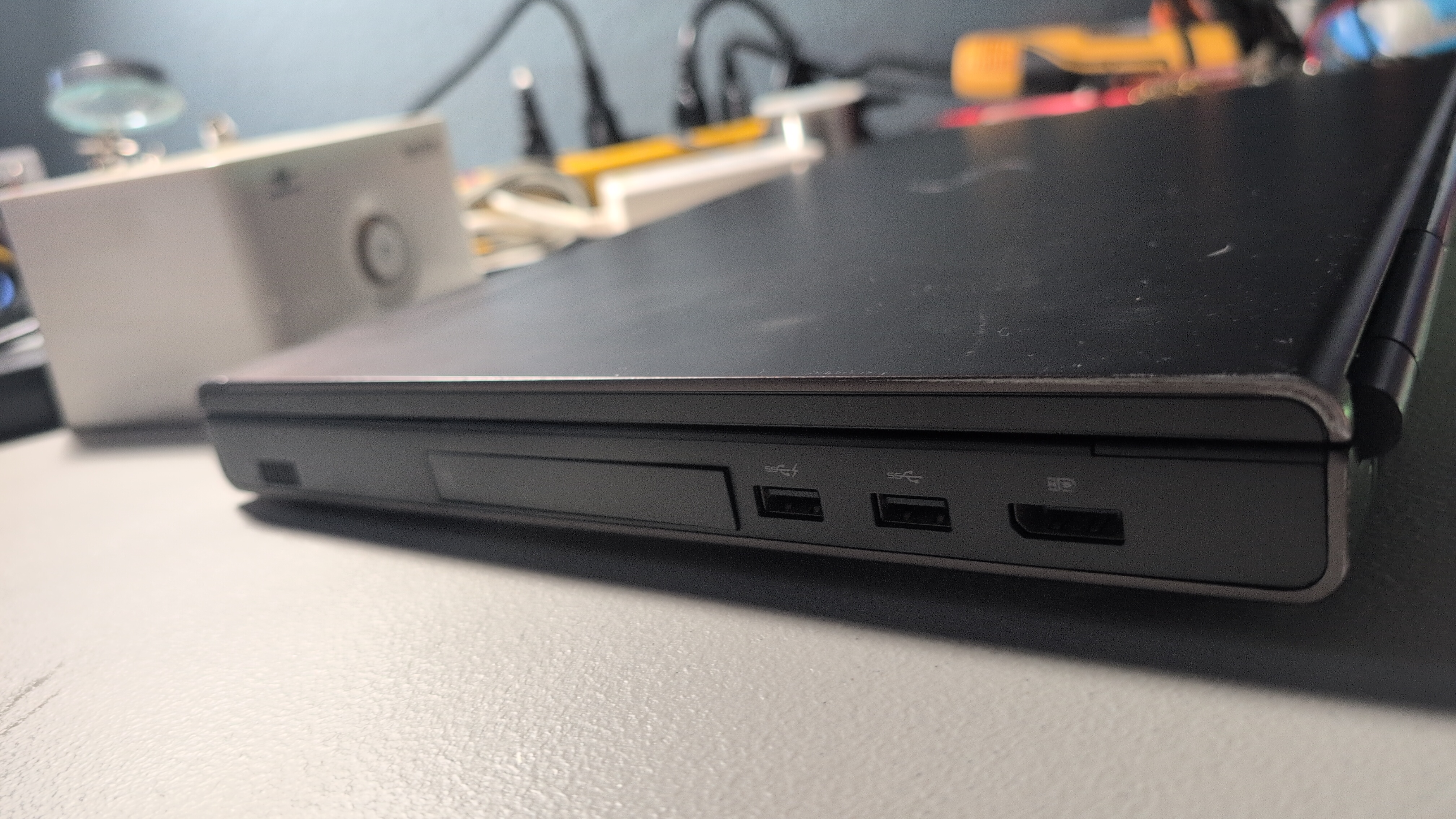
since i mentioned the I/0 heres the list of ports and expansion slots
Left Side:
- Kensington Lock Slot
- 2x USB 3.1 Type A
- Separate Headphone and Microphone Jacks
- Full Size SD Card Slot
- Express Card/Smart Card Slot
- BlueRay Writer
Right Side:
- Display Port
- 1x USB 3.1 Type A
- 1x USB 3.1 Type A (charging?)
- 2.5 Inch SATA Drive Sled
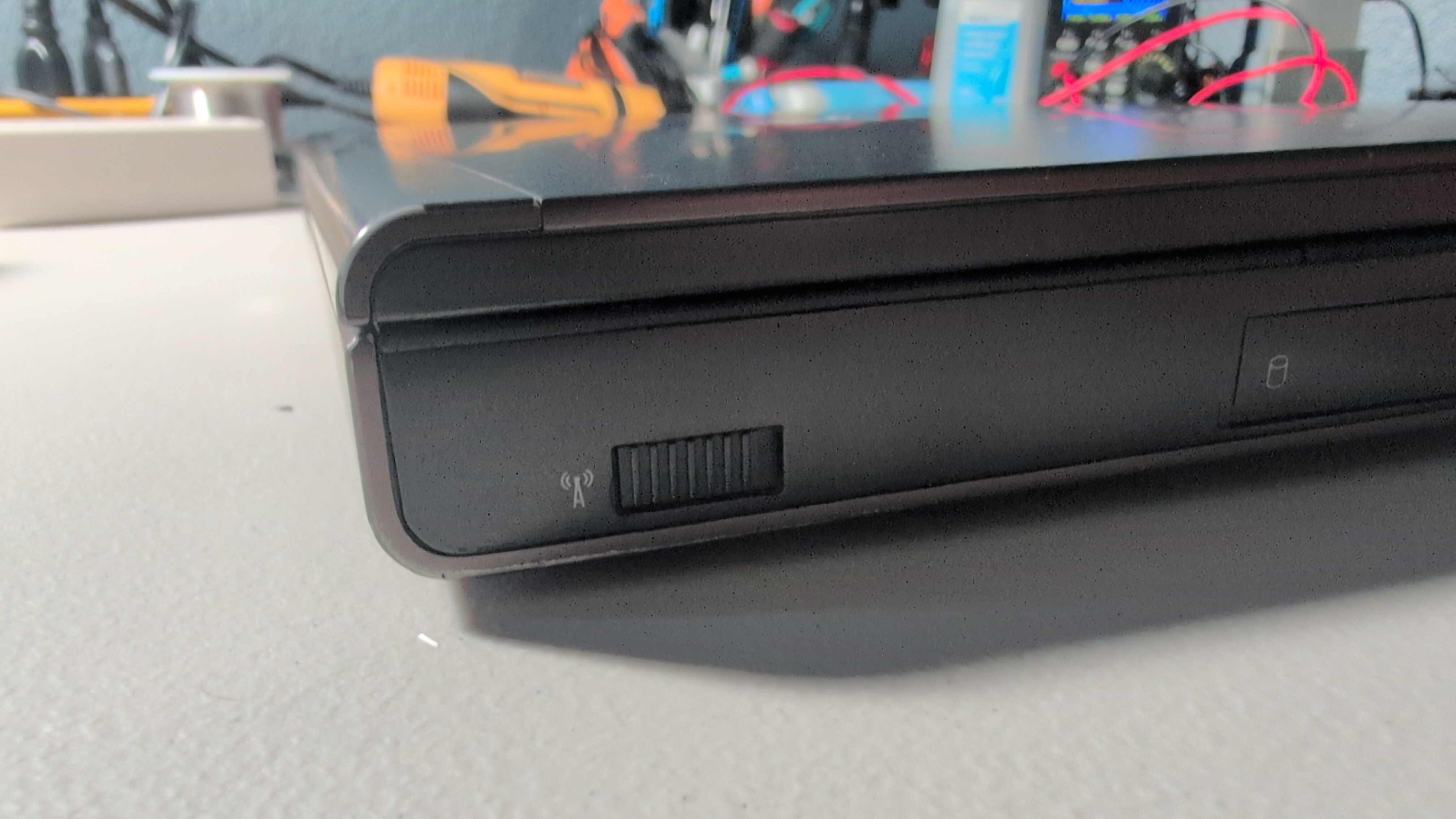
- Physical Wireless Switch
Rear:
- VGA Port
- Full Size Ethernet Port
- HDMI Port
- eSATA Port
Underneath:
- Dock Connector
- WLAN Slot (1/2 size mini PCIE)
- Full Size MiniPCIE (500 GB SSD)
- WWAN Slot (MiniPCIE to USB + Logitech Unifying Reciever)
- 2x DDR3 SO-DIMM Slots (2 more under the keyboard)
- 1/2 Size MiniPCIE Slot*
- 2.5 Inch SATA Bay
as you can see there is an INSANE amount of espansion in this thing. Dell was NOT fucking around lmao. they really made sure to justify the absolute girth of this thing with expansion slots and cards. hell, both the GPU and CPU are slotted/socketed. it looks like it would be a pain in the rear to actually replace either of those but it is awesome that its possible.
*that half size minipcie slot was originally for a dedicated encryption accelerator, those seem to be very rare and mine, does not have one. i have seen online that it will apparently work as just a normal minipcie slot,just using some adapters to get like an m.2 ssd to fit
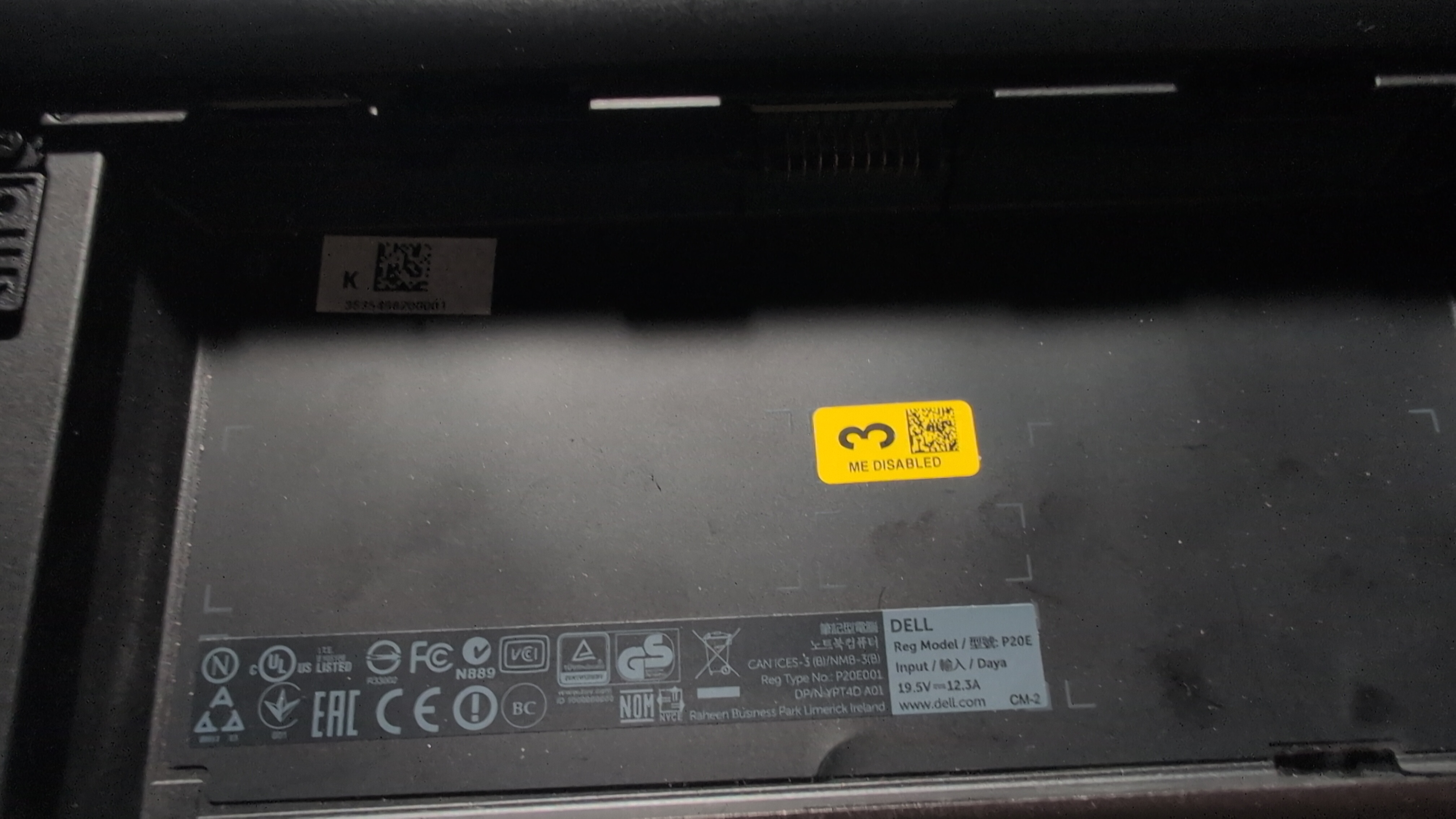
actually, i havent even mentioned the coolest part yet. in the pictures, in the battery bay, youll see a little yellow sticker that says "ME Disabled", and yes, that is Intel ME (Intel Management Engine) Disabled from the factory. this was apparently in its previous life in an ITAR compliant enviornment and was ordered, specifically with Intel ME disabled. which is a huge privacy W, its definitely my favorite feature of this specific laptop.
i dont know that there is that much more to say about this thing. overall its a ginormous, heavy, incredibly expandable workstation replacement. im excited to all what its capable of, i think ill start with ps2 emulation maybe :3 anyway, here are some of the pics ive taken sofar, the rest will be in the gallery probably